Logging In
Initial Landing Page
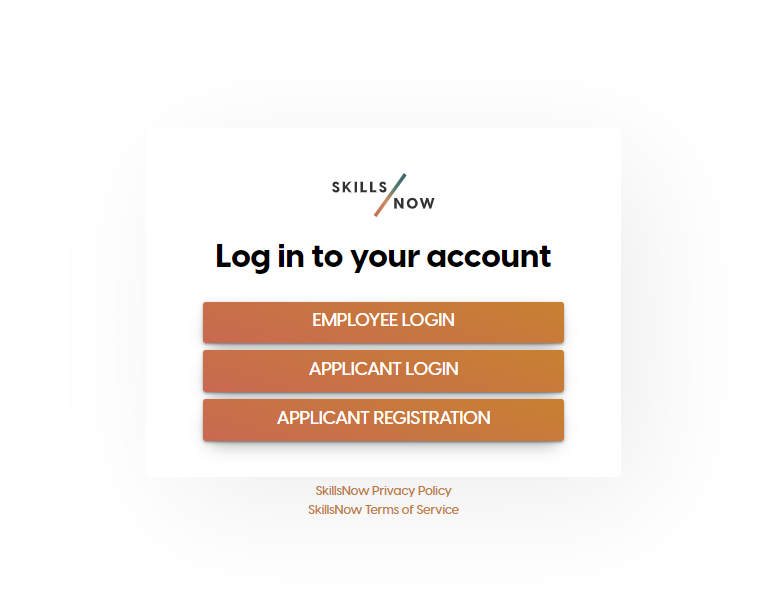
When navigating to https://[companyname].login.skillsnow.com you will be presented with three login options.
-
Employee Login - Click this option if you are already an employee of the company. If your company has an External SSO provider configured, the Username and Passwords feilds will be replaced with a button that will take you to the external SSO page.
-
Applicant Login - Click this option if you are applying for a job on SkillsNow and you already have an account. This option will allow you to login with your email address and password.
-
Applicant Registration - Click this option to start the registration process. If you were given a link to access this page, then the link will be preserved throughout the registration process. Clickl
Registration
To register an account, you can either click on the 'Applicant Registration' option on the initial landing page, or click on the 'Register' link if you have already selected on of the options from the inital landing page.
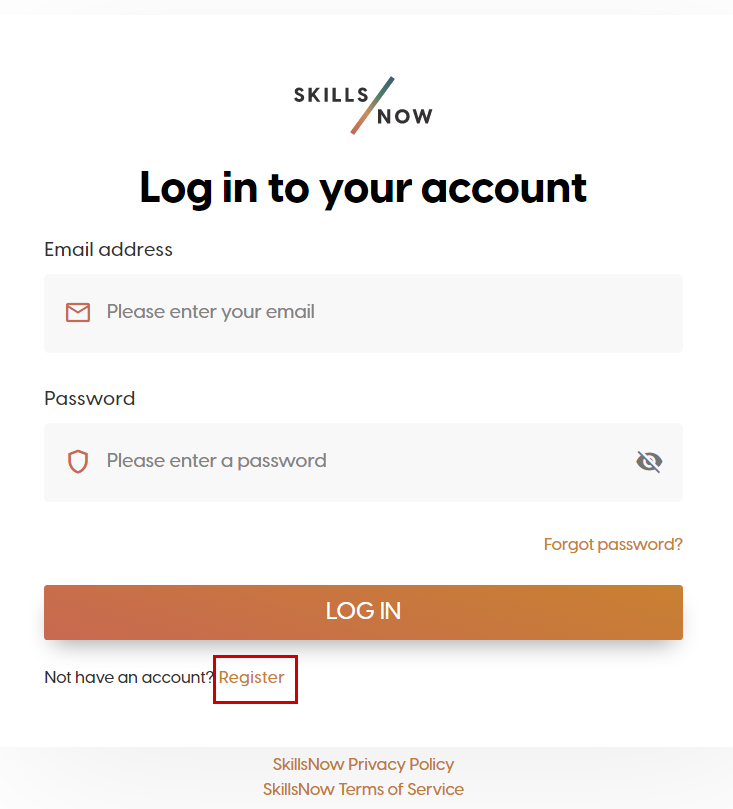
Fill in all the required fields on the registration form and click Continue
After clicking Continue, an email will be sent to the email entered on the Register form
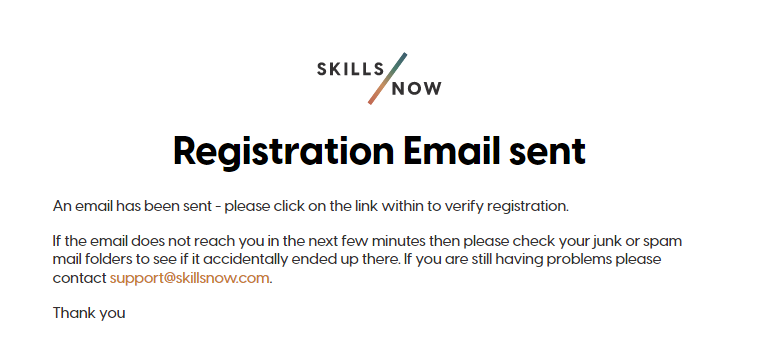
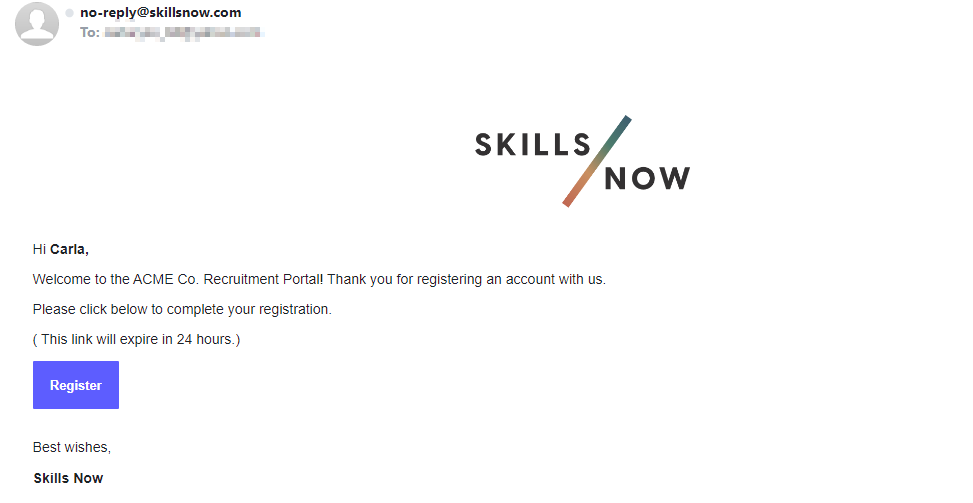
To complete the registration, click the Register button on the email received.
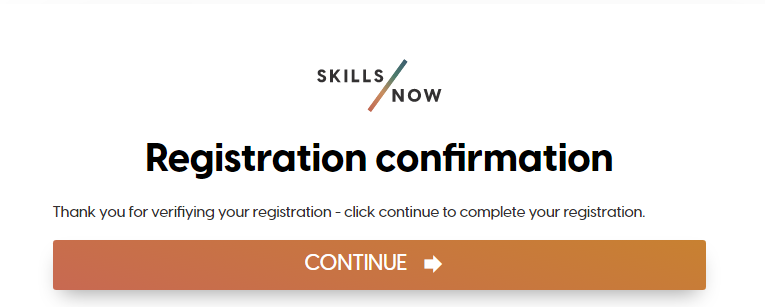
This will take you to a confirmation page. Clicking on the Continue button will take you back to the Login page so you can immediately access SkillsNow.
Two-Factor Authentication
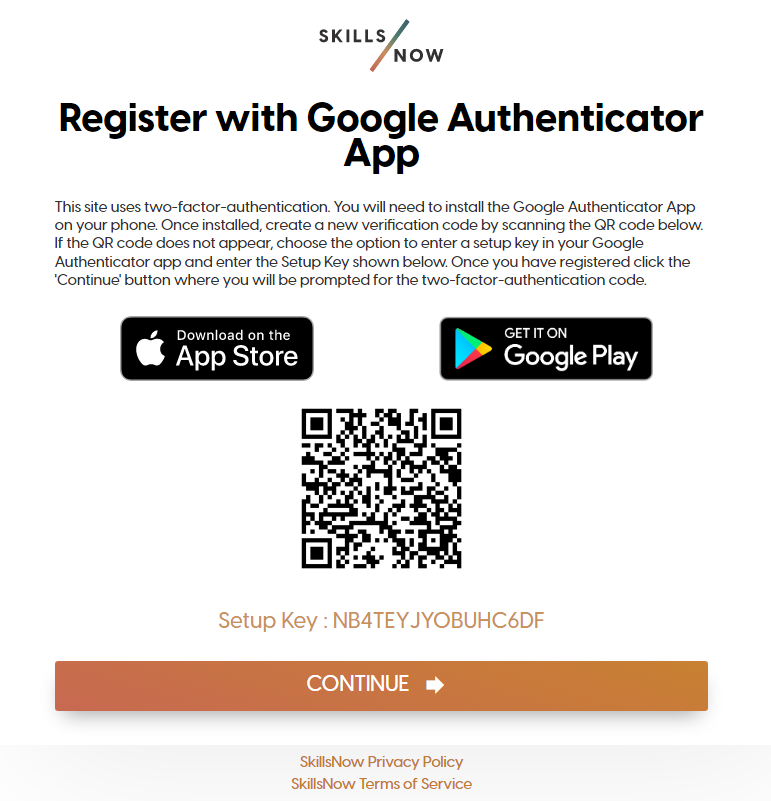
If your company has two-factor authentication enabled, upon logging in you will be instructed to setup your two-factor authentication key by downloading an app to your phone and either:
-
Scanning the QR code
-
Entering the “Setup Key” provided
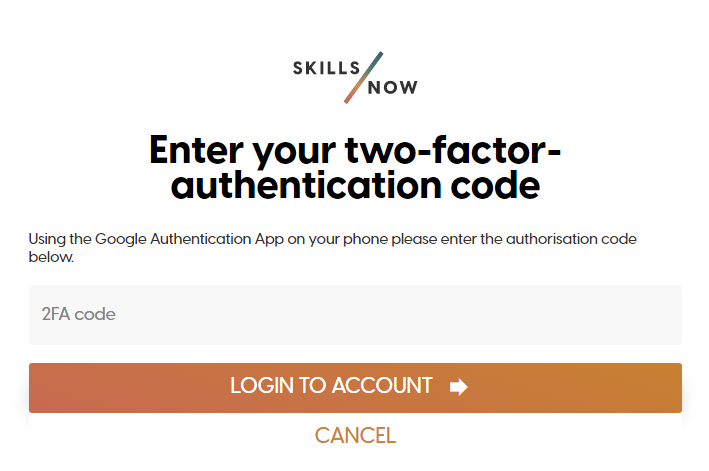
Once configured, you can enter the code presented in your app to login.
Reset Password
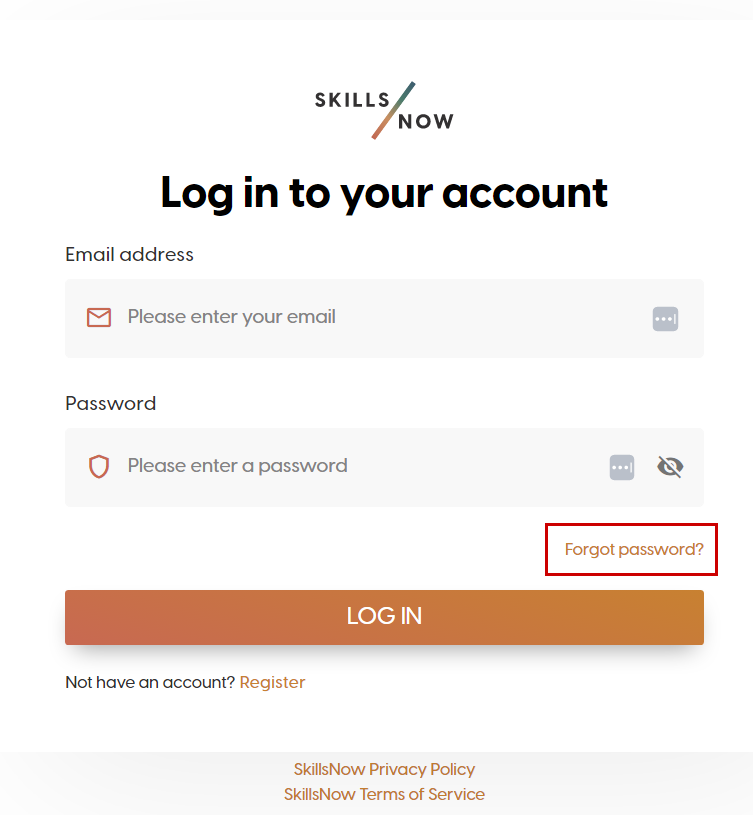
Users can reset passwords by clicking Forgot Password
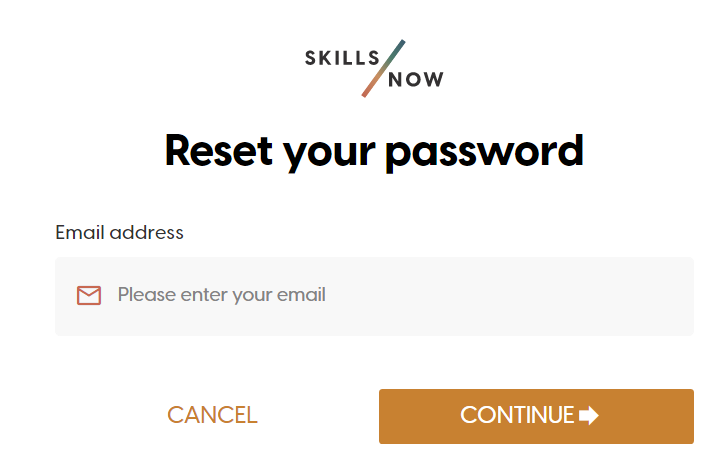
Input the User’s Email and click Continue
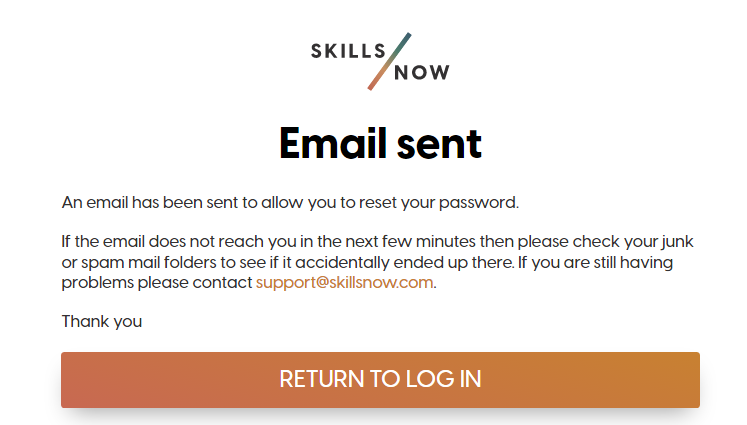
An email will be sent the link to reset the password
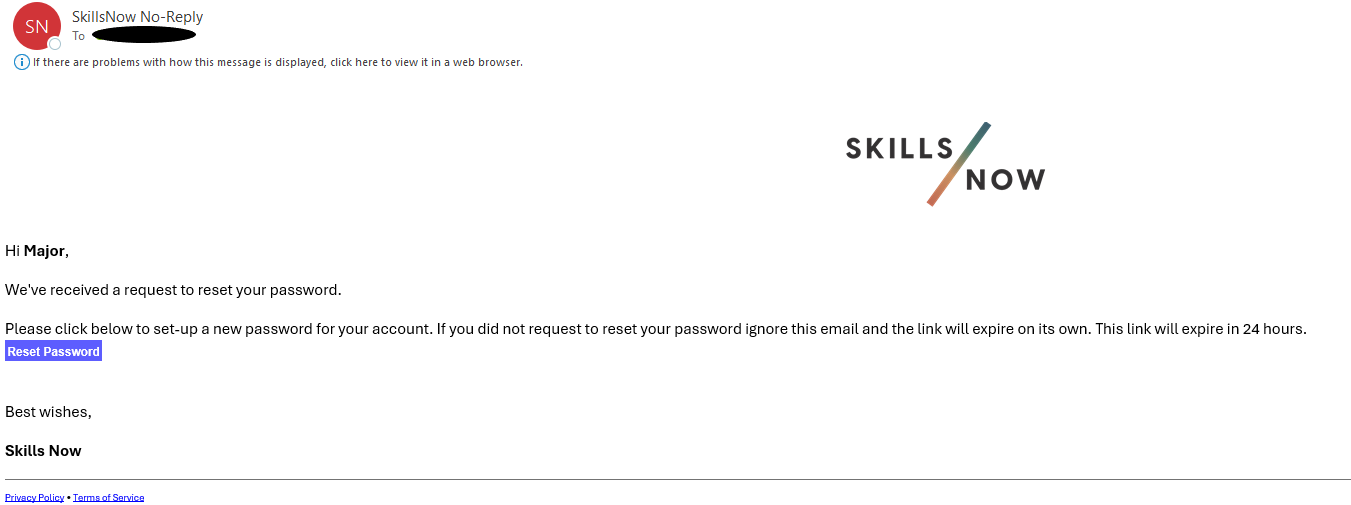
To complete the password reset, click the Reset Passwordbutton on the email received.
User will be redirected to Reset Password Page. Enter the new password and click Change Password