User Profile
Skillsnow Portal > Profile Icon > Edit Profile
Description
As a SkillsNow User, I am able to edit and update my profile so that the information provided is accurate.
Applicable User Roles
List of roles that have access or can use this feature.
All Users
How To
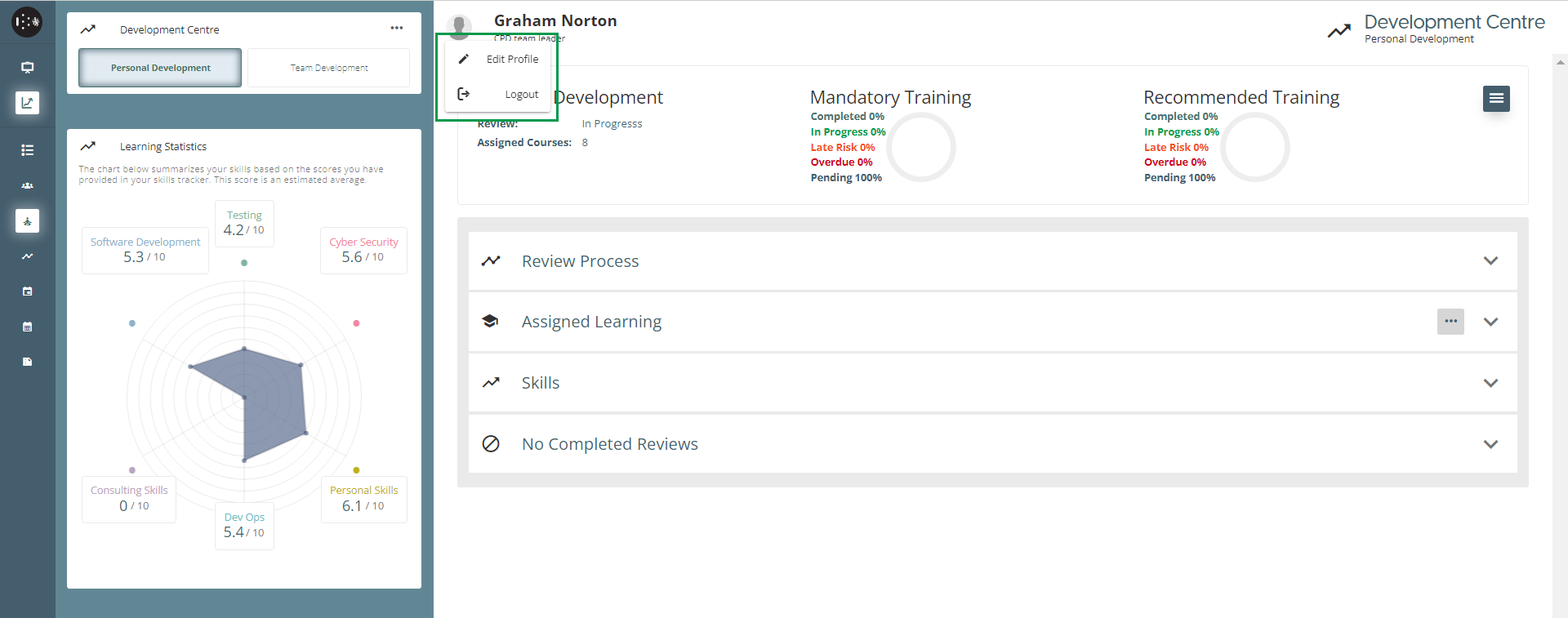
You can amend details about your account by clicking on your user profile icon at the top of your screen and clicking ‘Edit Profile’
Personal Details
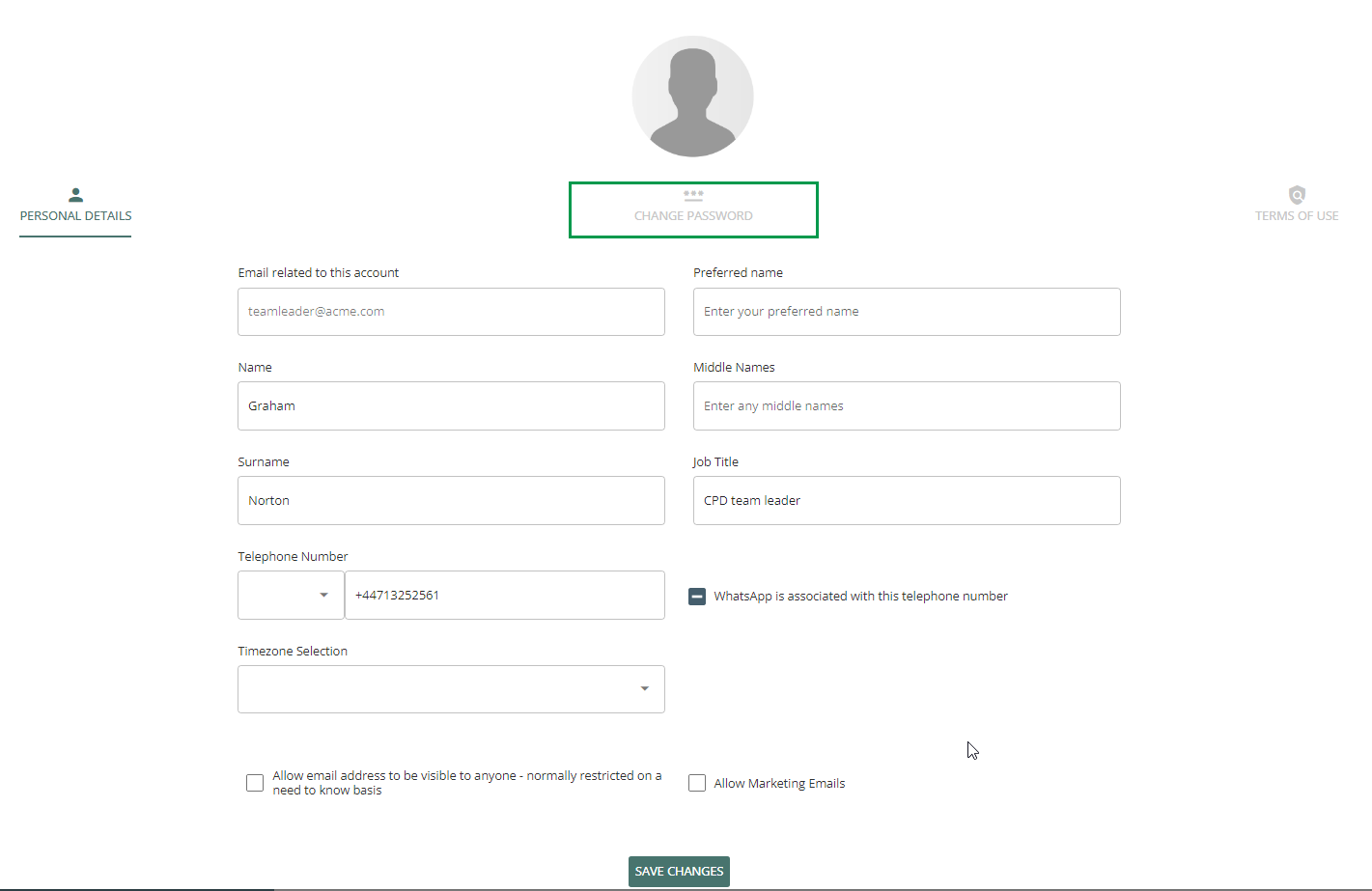
After clicking on the 'Edit Profile' option, you will see the Personal Details page of your User Profile. Here is where you can update any personal details about yourself, as well as restricting access to your email address and the option to enable or disable marketing emails.
Change Password
Once you have opened your User Profile you can click the “Change Password” tab at the top of the page.
Enter your new password, ensuring it matches the password criteria:
-
Between 6-20 characters
-
At least one upper case
-
At least one lower case
-
At least one number
Once you have entered a password that matches these requirements, click on the Update Password button to save your new password.

Terms of Use
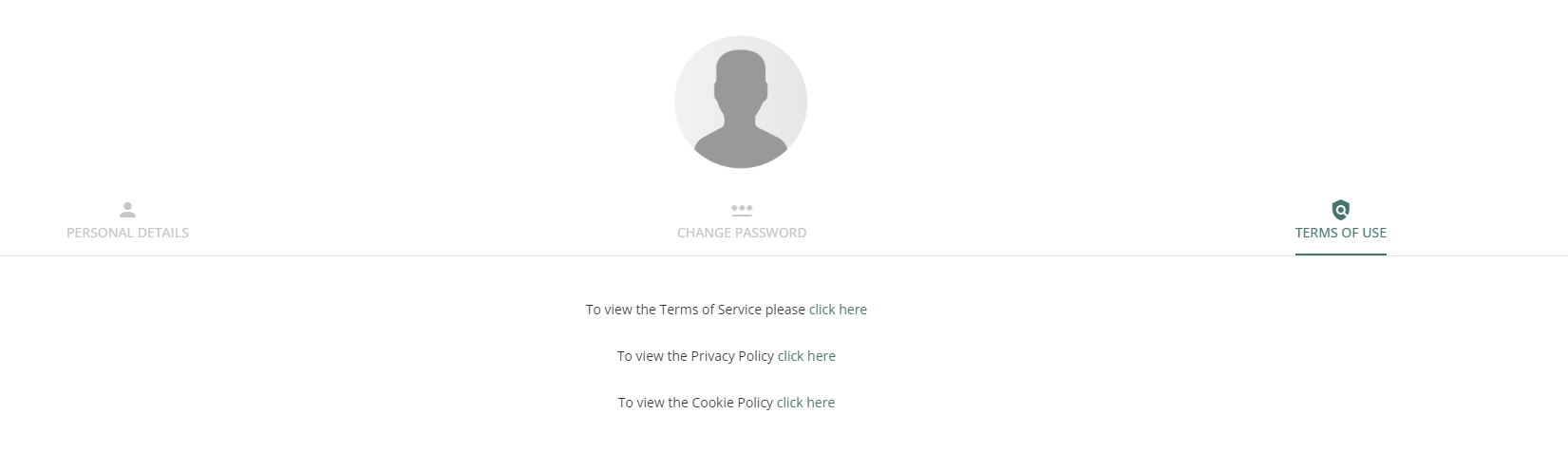
To view any of the Policy documents associated with SkillsNow, such as the Terms of Service, the Privacy Policy or the Cookie policy, you can click on the Terms of Use tab.