Viewing Custom Attributes
DevelopNow > Team Development
Description
As a line manager I want to be able to review data related to a user that I can see.
Applicable User Roles
List of roles that have access or can use this feature.
Company Admin
Team Leader
How To
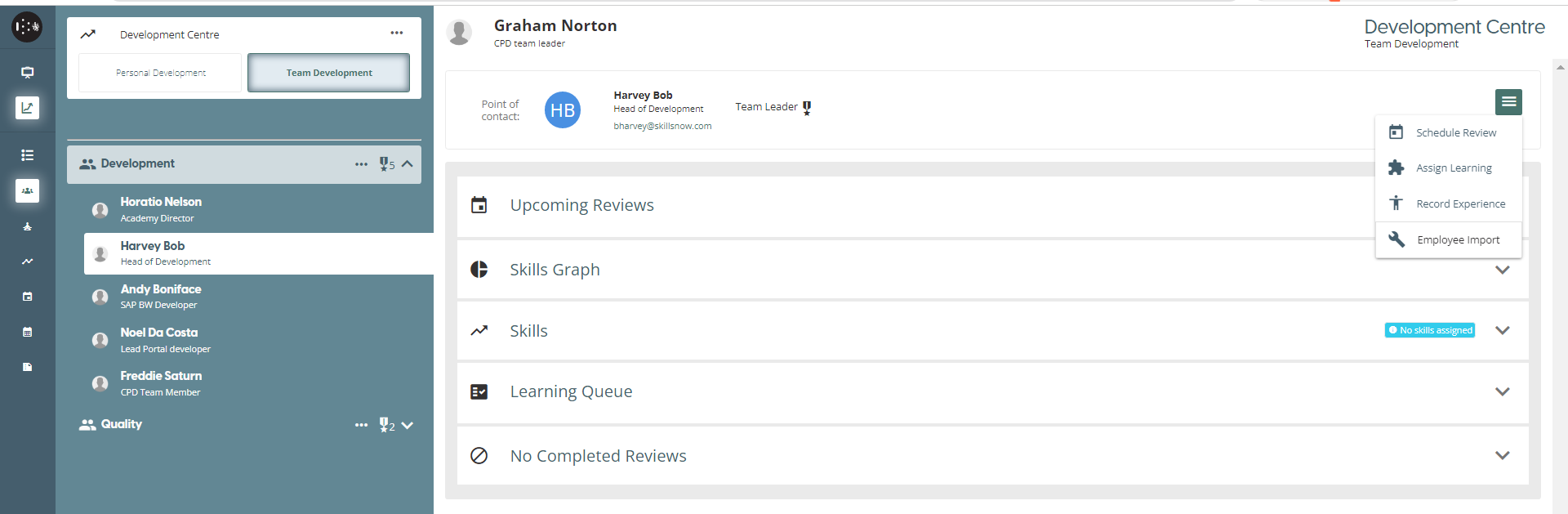
To import a new user that has been loaded onto the User Management Portal, the Team Leader can access the imported data associated to the member by clicking the Burger Menu (≡), then selecting the Field Set Label (Employee Import).
Field Set Label and Views are managed in the User Management Portal > Custom Fields
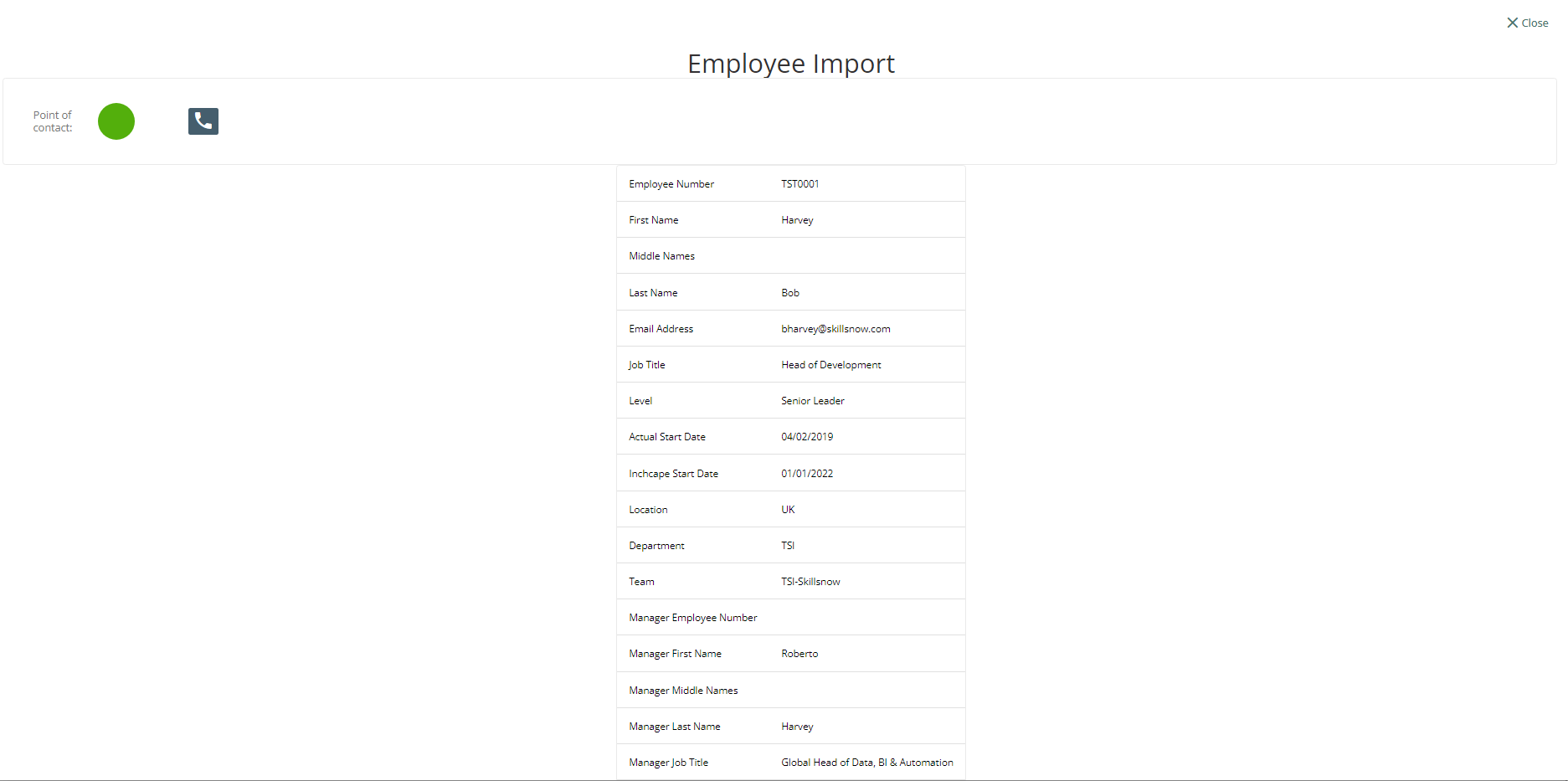
When the Team Leader clicks the Field Set Label (Employee Import), the data associated to the selected team member will be displayed on the screen.
The Team Leader can also access the imported data and user details during Review Meetings.
To schedule Review Meeting
CPD Portal > Team Development > click the “Schedule Review” button on the Team Leader’s view of the Member. After the schedule has been set, it will be listed on the Upcoming Reviews.
To set Meeting, click on Team Members Upcoming Review > Select the Review Process Name > Click [→]
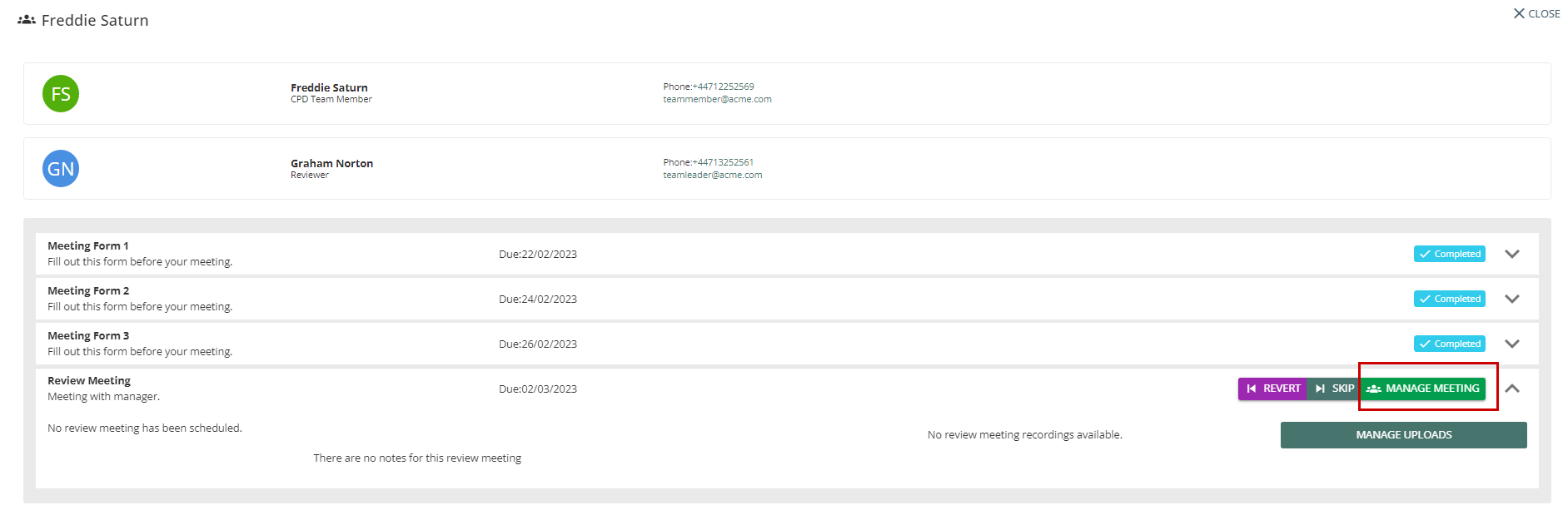
On the next page click Manage Meeting.
A pop-up will display the option to set the Schedule Review Date, Time, and Duration.
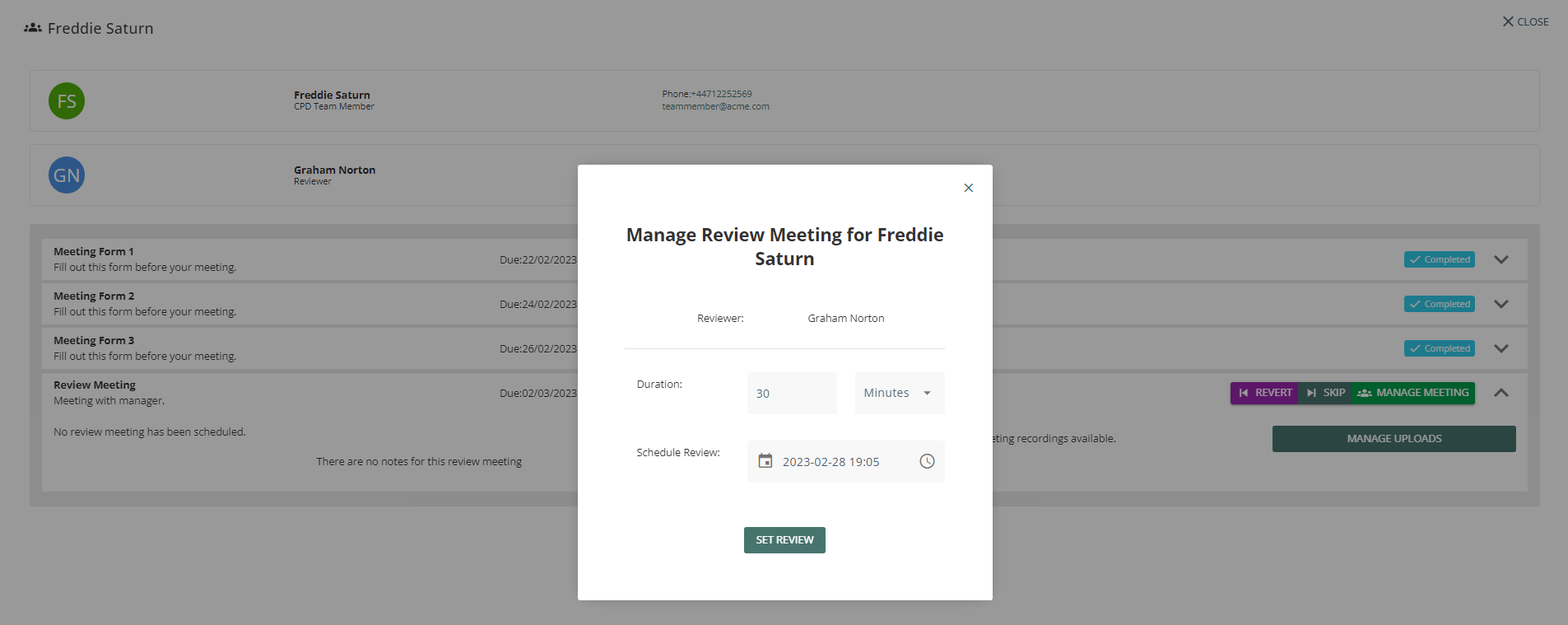
When the Set Review button is clicked, a message “Review Scheduled“ will be displayed.
Team Leader will be able to join the meeting up to ten minutes before the starting time by clicking “Join the Meeting”.
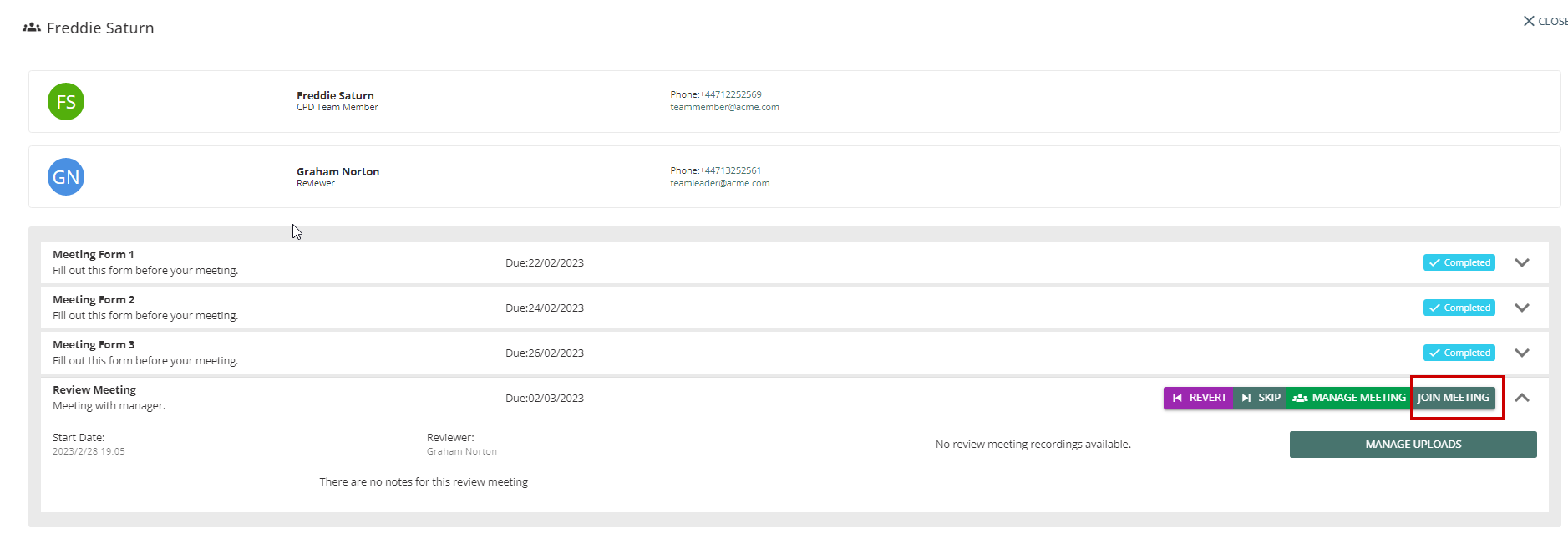
Team Leader will be directed to the Review Meeting Screen.
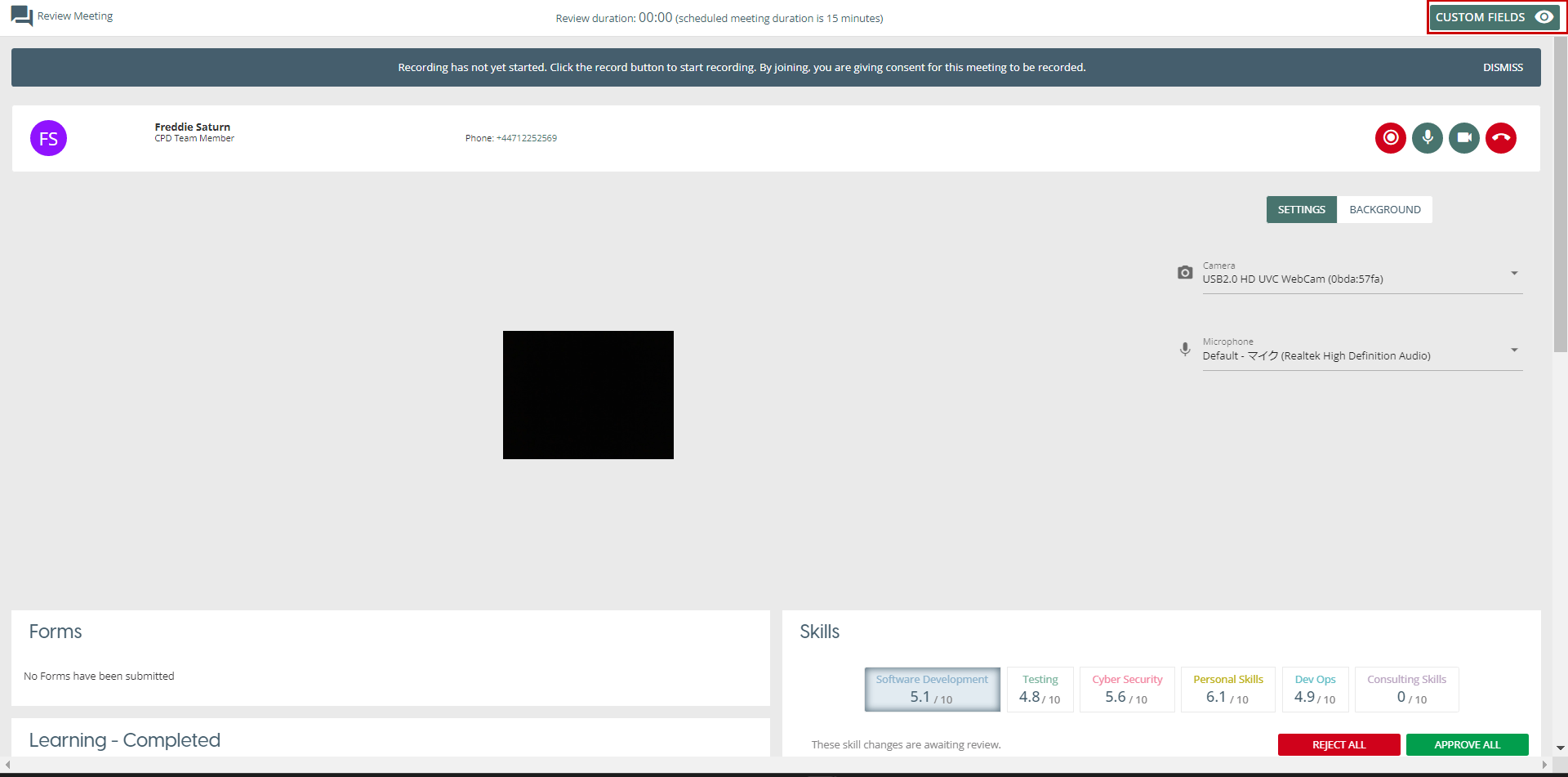
The Team Leader will be able to access the imported data associated to Team Member by clicking the “Custom Fields” button on the upper right corner of the screen.
