Company Settings
User Management Portal > Company Settings
Description
As company admin, I have the ability to update my company settings to ensure the platform is configured correctly for the security of the users and to ensure we are using all of the functionality of the platform.
Applicable User Roles
List of roles that have access or can use this feature.
Company Admin
Company Settings
To get to the Company Settings page, click on the 'Company Group Settings' button while having the company selected on the User Management landing page.

General
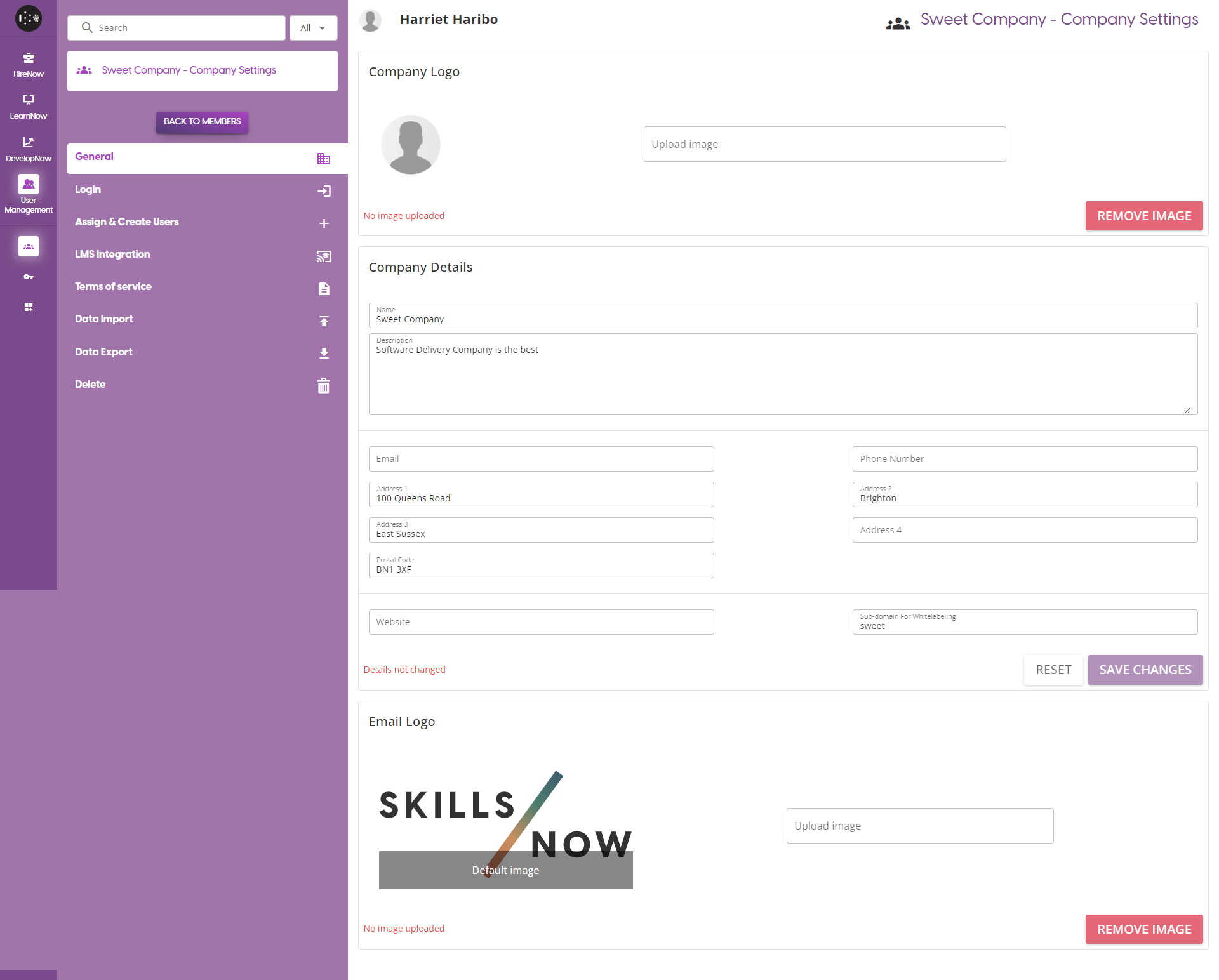
This page allows you to update some of the general details about the company.
-
Company Logo: Click on the 'Upload Image' section to select a file from your device to use as the company logo. This is displayed on the login page, as well as in the top left of every page. If there is already a company logo and you wish to remove it, click on the 'Remove Image' button.
-
Company Details: Update any of the basic details of the company. To confirm any changes made, click on the 'Save Changes' button. Otherwise, click on the Reset button to clear any unsaved changes. Note that if you change the sub-domain for the website, users will not be able to access a wide range of features on the platform unless they go to a URL using the same sub-domain.
-
Email Logo Update the logo that appears in the automatic emails sent out by the platform. By default, all emails will have the SkillsNow logo. Click on the 'Upload Image' section to select a file from your device to use as the Email logo. If there is already a Email logo and you wish to remove it, click on the 'Remove Image' button.
Login
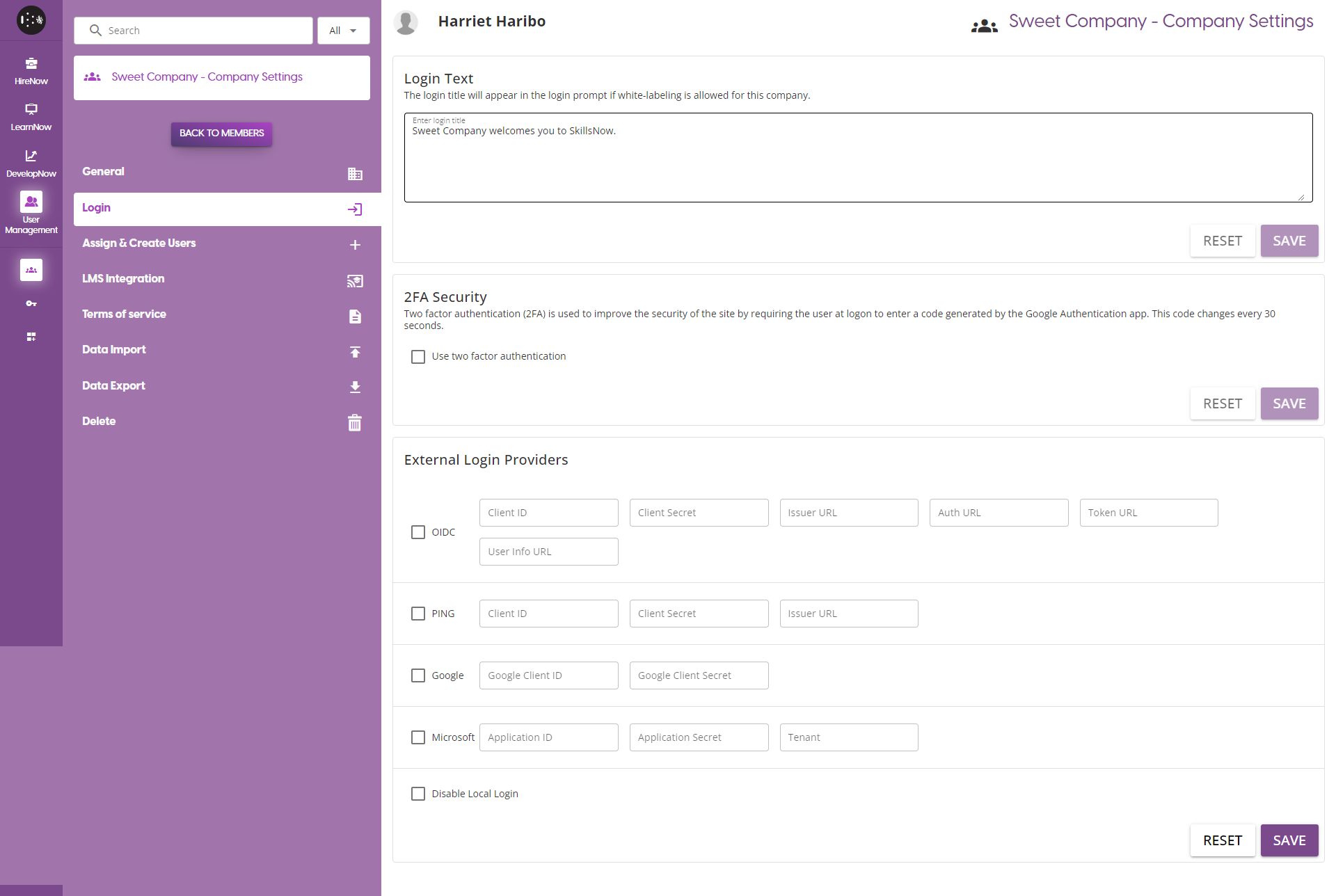
This page provides options about setting up the login pages, including setting up an external SSO service.
-
Login Text Update this to change the text displayed to users when they go to the company's SkillsNow Login page.
-
2FA Security Enable or disable the Two Factor Authentication feature for all users in your company. Does not affect applicants.
-
External Login Providers Set up an external SSO provider, allowing users to login with company credentials.
If you wish to setup an external SSO provider, contact the support team : support@skillsnow.com
Assign and Create Users
See Assigning and Managing Users
LMS Integration
The LMS Integration feature allows you to gather user activity data and course information from external LMS providers.
If you wish to setup an LMS Integration, contact the support team : support@skillsnow.com
Terms of Service
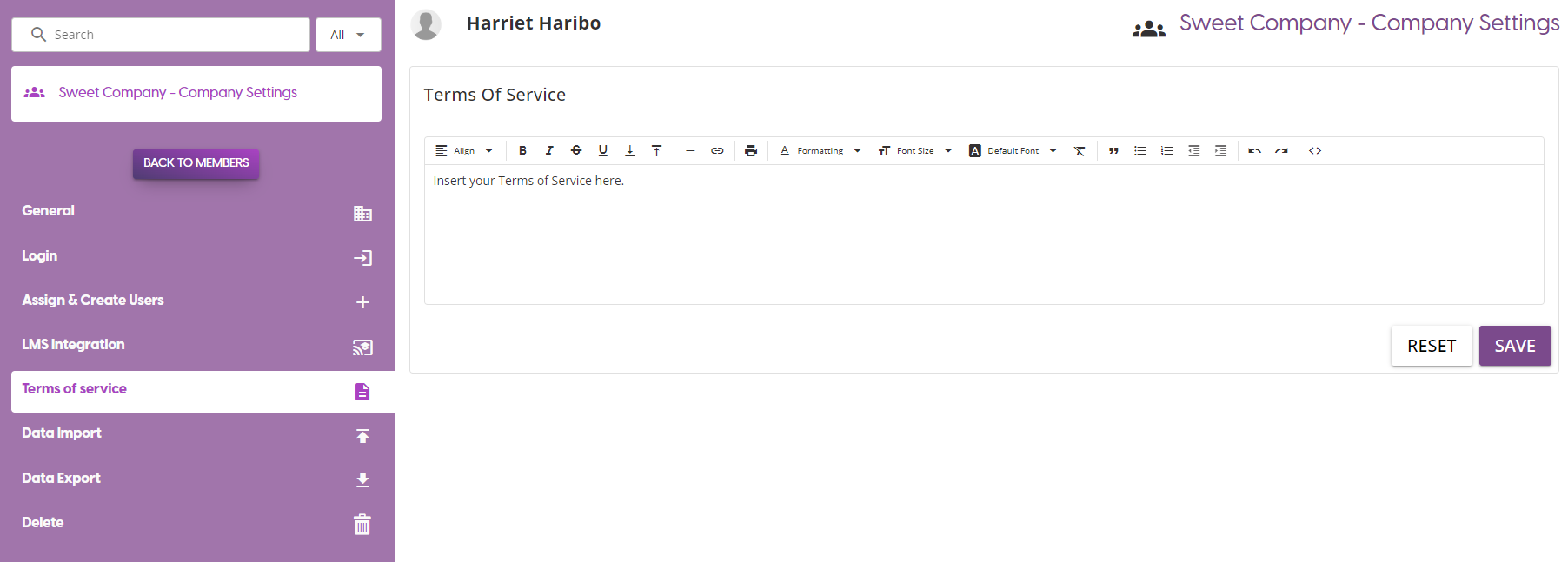
Update your terms of service, which can be accessed via the company login page or via the User Profile page.
Data Import
See Data Import
Data Export
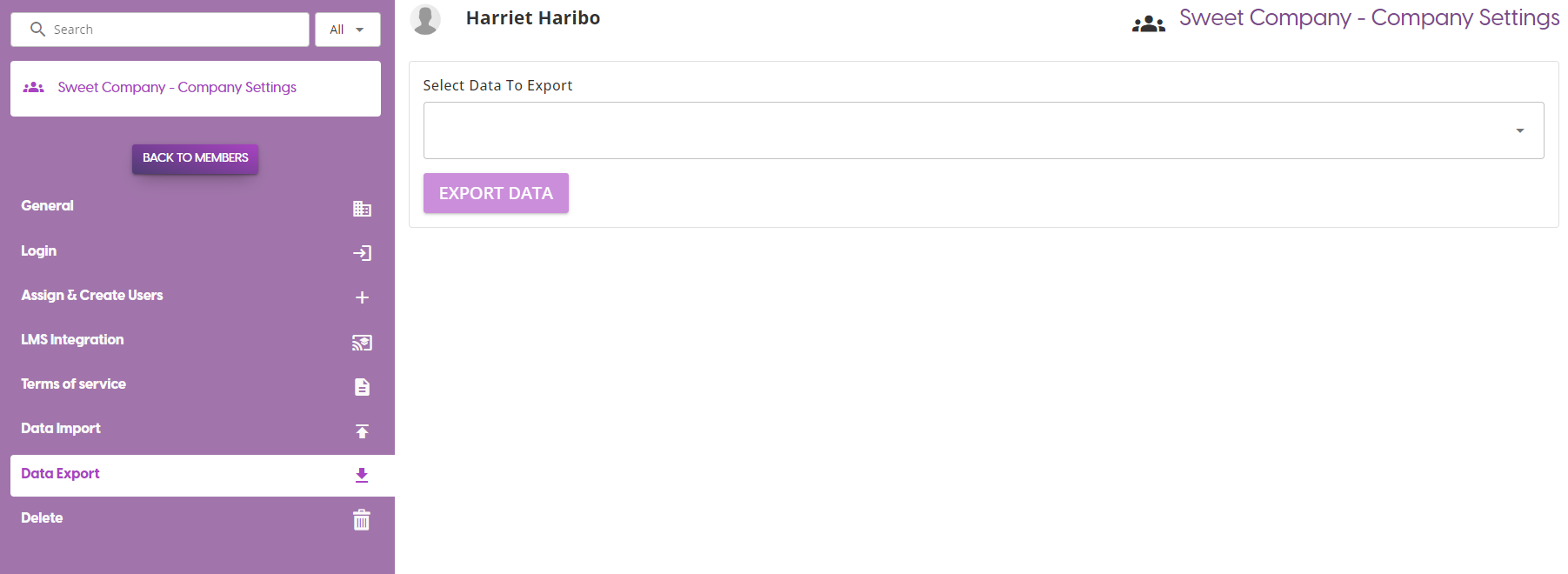
Generate a variety of different reports based on different data available on the platform. The reports available are:
- Campaigns
- Teams
- Reviews
- Skills
- Training Paths
- Courses