Review Process Forms
DevelopNow Portal > Team Development > CPD Form Builder
Description
As a CPD Admin, I want to be able to to create a review forms that I can use when scheduling a "Form" step type review to a team member
Applicable User Roles
List of roles that have access or can use this feature.
CPD Admin
Review Forms
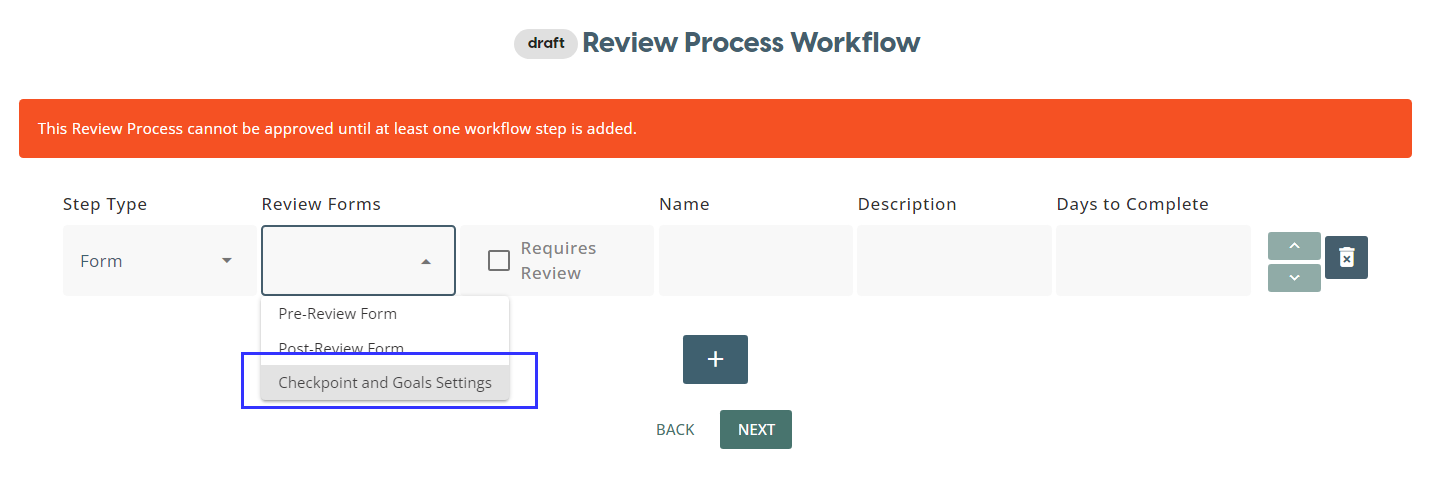
During Review Process creation, users can select which review form they would like the team member to complete as part of their review process. The creation of these forms is done on the Review Forms page.
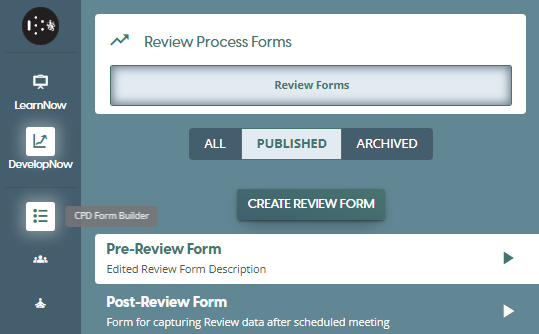
Once on this page, you will be able to see a list of all publish review forms. You can switch the view to view Archived review forms or all forms by clicking on the respective tab icons.
Create a Review Form
To start the review form creation process, click on CREATE REVIEW FORM button to open the review form builder.
Once in the form builder, you will see several components to help you build a form. Both Name and Description fields are mandatory, as is having at least one form element. To insert a form element, click on any of the element icons in the 'Add Field' tab
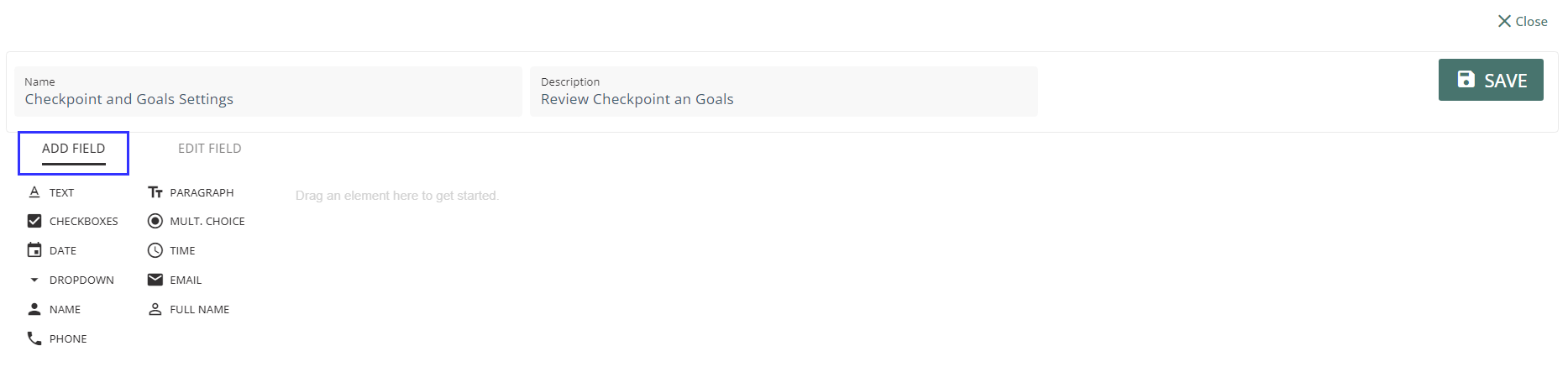
The list of available elements are:
- Text
- Paragraph
- Checkboxes
- Multiple Choice
- Date
- Time
- Dropdown
- Name
- Full Name
- Phone
- Slider
Once you you have inserted an element, you can edit the details via the 'Edit Field' tab. The options available will differ from element to element. You can also click on the bin icon to delete the element, or the copy icon to create a duplicate of the element in it's current state.

Once the review form is completed, click on the SAVE button and the review form will be ready for selection in the Review Process Workflow builder page.
Archiving a Review Form
If you no longer want a Review Form to appear on the list of forms, you can archive it. Archiving a form will not affect any Review Processes in progress that use the form, nor will it prevent a Review Process that uses the form from being assigned. The only change is that when creating a new Review Process, you will not be able to select any archived forms.
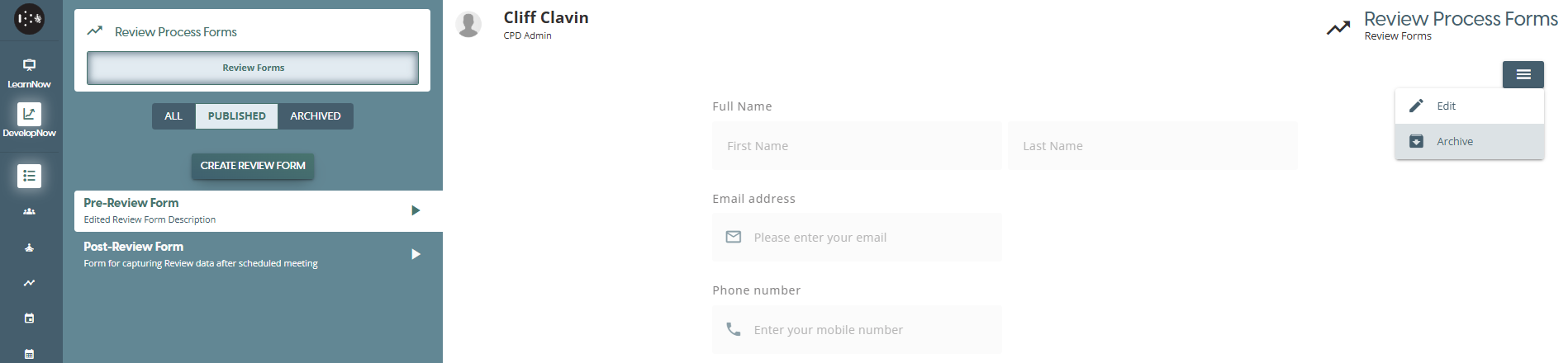
From the Review Forms page, select a Review form in the published state from the left panel. Once you have selected one, click on the burger menu and select Archive.
You will be presented with a confirmation window which explains what happens when a form is archived. Click Yes to continue with archiving, or click Cancel to return back to the Review forms page.
You cannot unarchive a form via the Review Form page. If you wish to un-archive a form, please contact support@skillsnow.com